|
 |
Instructions for use of EZ-Catalog
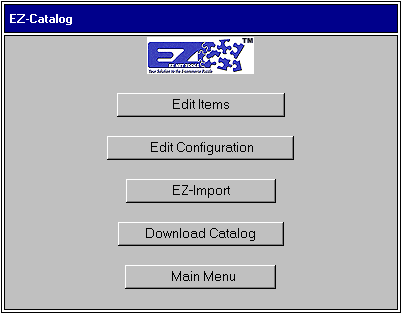
The catalog offered by EZ-NetTools is an easy way to add, edit and delete items you offer on your Web site. The EZ-Catalog feature is fairly extensive so we suggest that you read through these instructions. Below you will find the same window you are presented with when you enter EZ-Catalog.
Click the buttons to learn how each feature works!
There is one very important part of EZ-Catalog right now:
NEVER USE APOSTROPHES ANYWHERE IN THE CATALOG!!
Return to the FAQ's Page
|
|
| 
|
|
|
|